Clients
The clients page — your CRM-lite
Per-client funnel, sites with rate overrides, contacts, tags, pipeline value, notes timeline.
Every proposal and Terms of Business document is tied to a client. The /dashboard/clients page is the master view — every client you have ever quoted, with their full activity at a glance.
The list view
Sort, filter and triage every client in one screen. Each row carries enough signal to spot stale clients, growing pipelines and rate-review opportunities without opening anything.
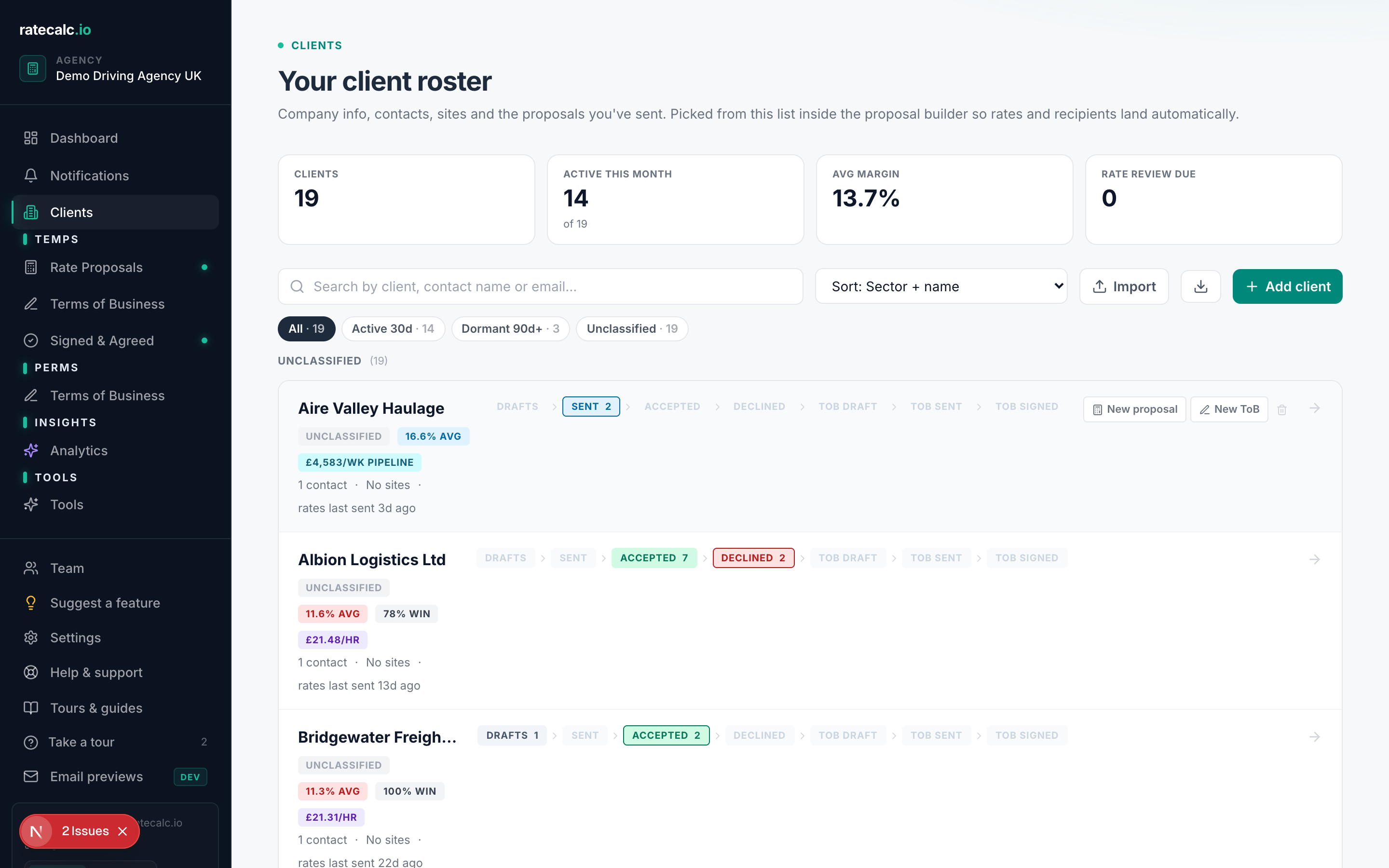
- Funnel chevrons per client (drafts, sent, accepted, declined / ToB drafts, sent, signed)
- Days since last proposal — warning chip if it crosses 365 days
- Average accepted margin and average bill rate
- Pipeline value (per-role hours-per-week × bill rate × weeks open)
- Tags you assigned
- Sector tag (so a healthcare client appears under your healthcare KPIs)
A single client in detail
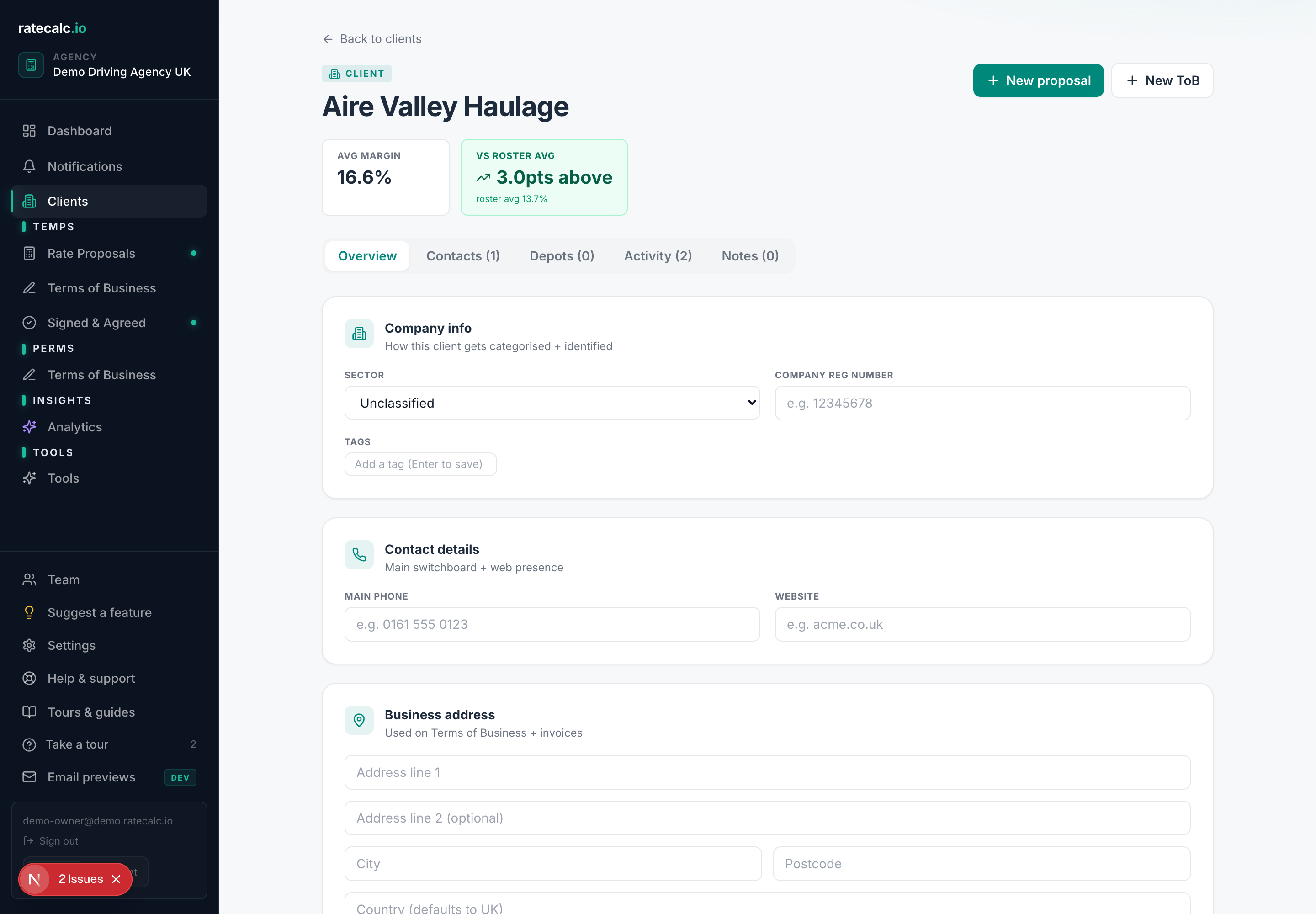
Click any client row to open the detail view. Five tabs: Overview (stats strip + signal pills), Contacts (people you talk to at this client), Sites (per-site rate overrides), Activity (full proposal + ToB feed), Notes (timeline of every note you've added).
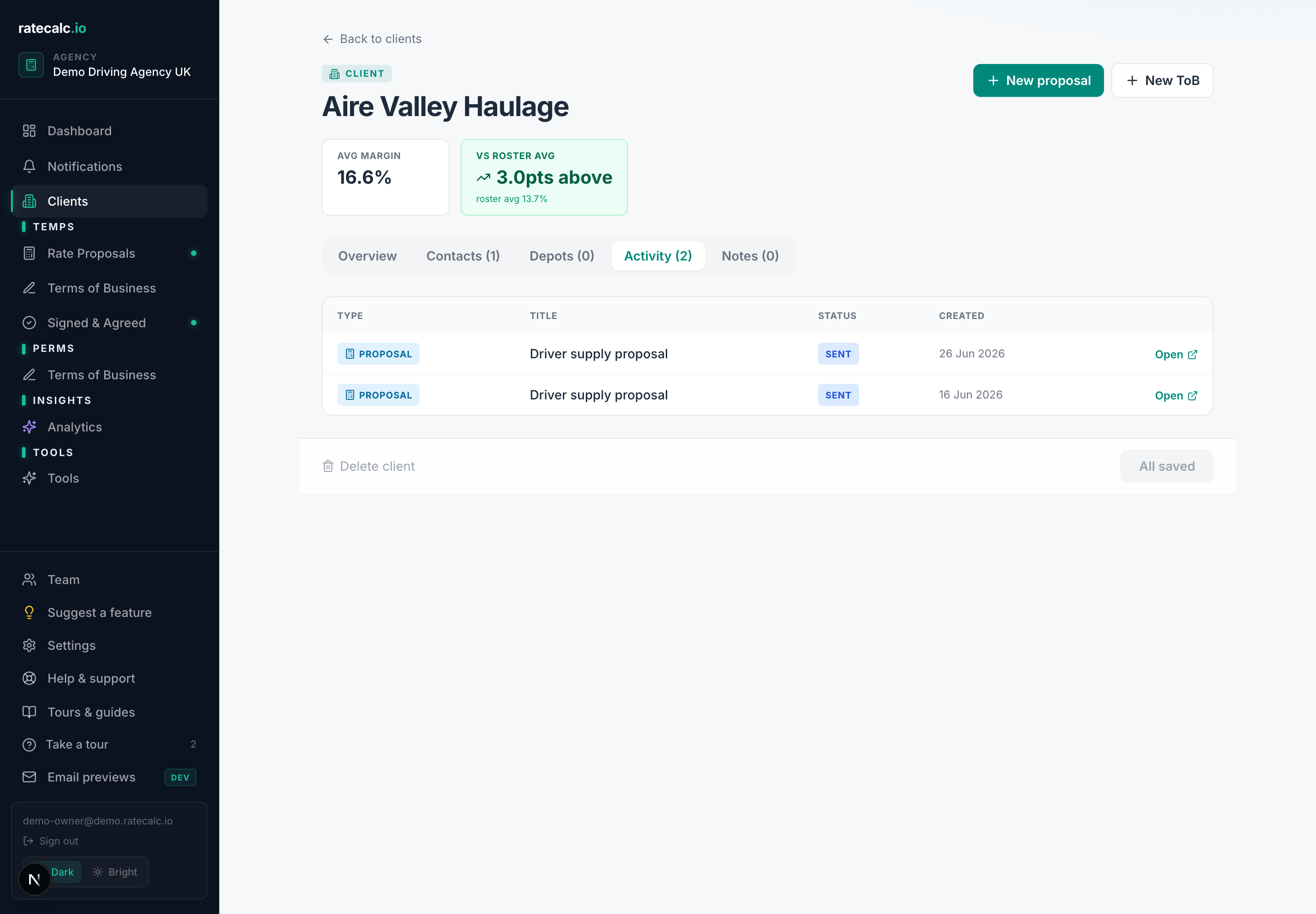
Activity feed
The Activity tab is the unified feed of every proposal sent and every Terms of Business issued to this client, in reverse chronological order. Each entry deep-links back to the underlying document, so you can pick up where you left off without searching.
Bulk import
Dashboard → Clients → "Import CSV". Upload a file with name, email and (optionally) sector_id columns. Deduplication is by trimmed-lowercase name, so you won't double-create clients you already have.
Related articles
Sending your first rate proposal
Five steps from a blank agency to a sent proposal. Roughly 15 minutes with screenshots.
Rate review tool — turn an accepted proposal into a re-quote
Clone an accepted proposal, apply an uplift, send the review.
Exporting your proposals and clients
CSV export for proposals and clients. What's included, what isn't.
Last updated: 2026-06-29. Did this not answer your question? Click the chat bubble bottom-right or email hello@ratecalc.io.